

What is the news?
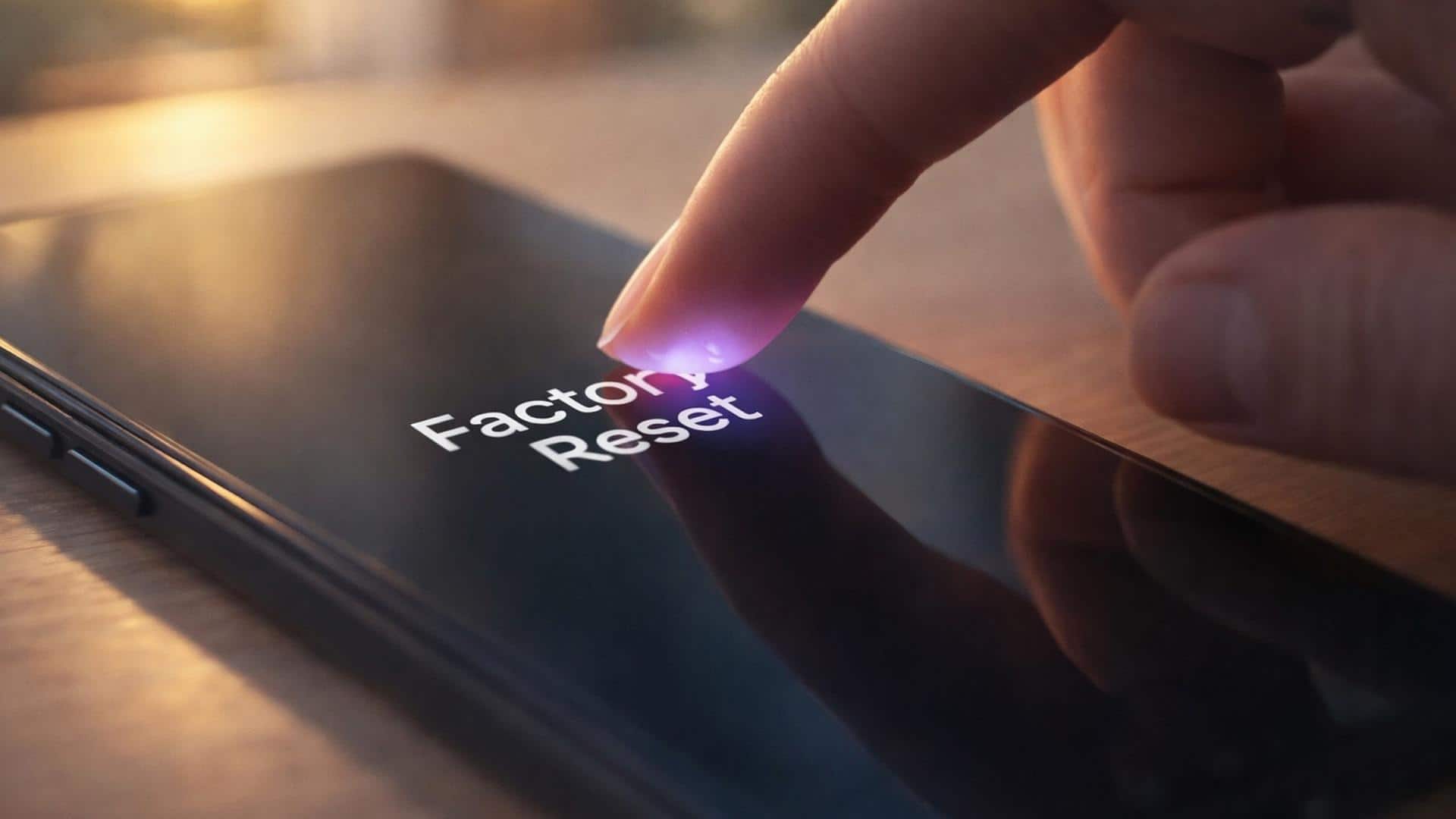
Factory resetting a smartphone is a common and necessary process, which makes the phone as good as new. In this, all the personal data, apps and settings of the device are removed. This method is especially useful when you are going to sell the phone or give it to someone else. By doing a proper reset, your personal information remains safe and the new user can use the phone without any hassle.
It is necessary to backup data before reset.
It is very important to backup all your important data before doing a factory reset. This includes contacts, photos, videos and documents. You can use cloud services or external storage for this. Backup option is already present in most phones. It is important to make sure that all your important files are saved in a safe place so that no data is lost after the reset.
Understand the different factory reset options
Many factory reset options are provided in smartphones, which are important to understand. A full reset deletes all data on the phone, while some options only delete cache or app settings. It is important to choose the right option as per your need. If you are going to give the phone to someone else, it is better to do a complete factory reset so that no old information is left on the device.
Easy process to reset the phone
To perform a factory reset, go to the phone’s Settings and open the System or ‘General Management’ option. Select the reset option there and then tap on ‘Factory data reset’. After this follow the instructions given on the screen. Before starting this process the battery level of the phone should be sufficient. By following all the steps correctly your phone will be successfully reset without any problem.
What things should be kept in mind after reset
After the reset, it is important to check that all personal accounts have been completely removed from the phone. This keeps your information safe and there is no risk of any kind of misuse. If there is a memory card in the phone, it should also be removed. It is important to ensure that the device is completely cleaned so that the new user can use it without any problems and your privacy is maintained.
 Follow Us On Google News
 Follow Us On WhatsApp

Leave a Comment