

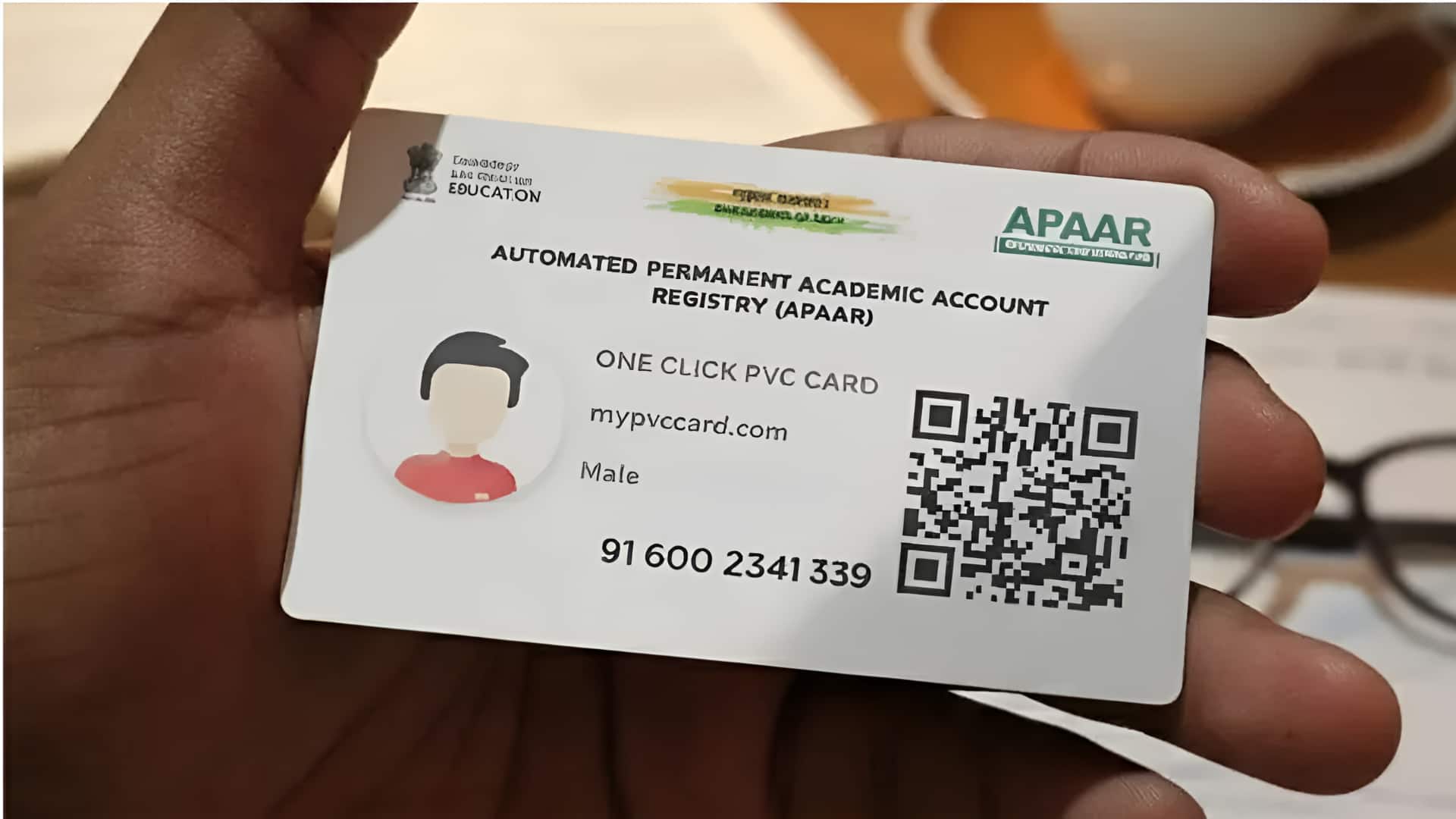
What is the news?
Automated Permanent Academic Account Registry (APAAR) ID card has been introduced by the Ministry of Education under the National Education Policy (NEP) 2020. Its objective is to provide a unique identification number to students across the country, in which their academic records, achievements and certificates remain digitally protected. This ‘One Nation, One Student’ ID card simplifies the process of monitoring academic progress. Let us know how to get it made online and download it.
What is APAAR ID card?
APAAR ID card is an electronic identity card for students studying in private or government schools. In this, along with the records of the students, information about health details, weight, height is also given. For this, parents have to fill a form to give consent. It contains information from school to college, making educational transfer between different institutions easy. Each ID will be linked to the Aadhar card of the student.
How to get started for ID
First of all, you have to go to the website https://apaar.education.gov.in/ and go to the ‘Resources’ section there and download the APAAR Parental Consent Form. After filling all the details in it, the form will have to be submitted to the school where the child studies. After this go to https://www.abc.gov.in/ website of the Ministry of Education. There, click on the ‘My Account’ section visible on the top right side and select the option of ‘Student’. Then register on DigiLocker by giving your Aadhaar number and other information.
Download card like this
Academic information, school name etc. will also have to be provided on DigiLocker. After submission, APAAR ID will be ready. You will again have to go to the Academic Bank of Credit website and log in. The option of ‘APAAR Card Download’ will be available in the dashboard. You will get the option to download or print the ID, it will have to be processed. Getting it done is not mandatory for everyone, but it makes it easier to get admission in college.
 Follow Us On Google News
 Follow Us On WhatsApp

Leave a Comment